Sextant Import
📥 Free on WordPress.org
Edit prices in Excel.
Preview. Confirm. Done.
The companion to Sextant Export. Upload your edited file, see exactly what changes before anything is saved — then confirm. Safe, precise, and free.
How it works
Three steps. Nothing surprises you.
1
Upload
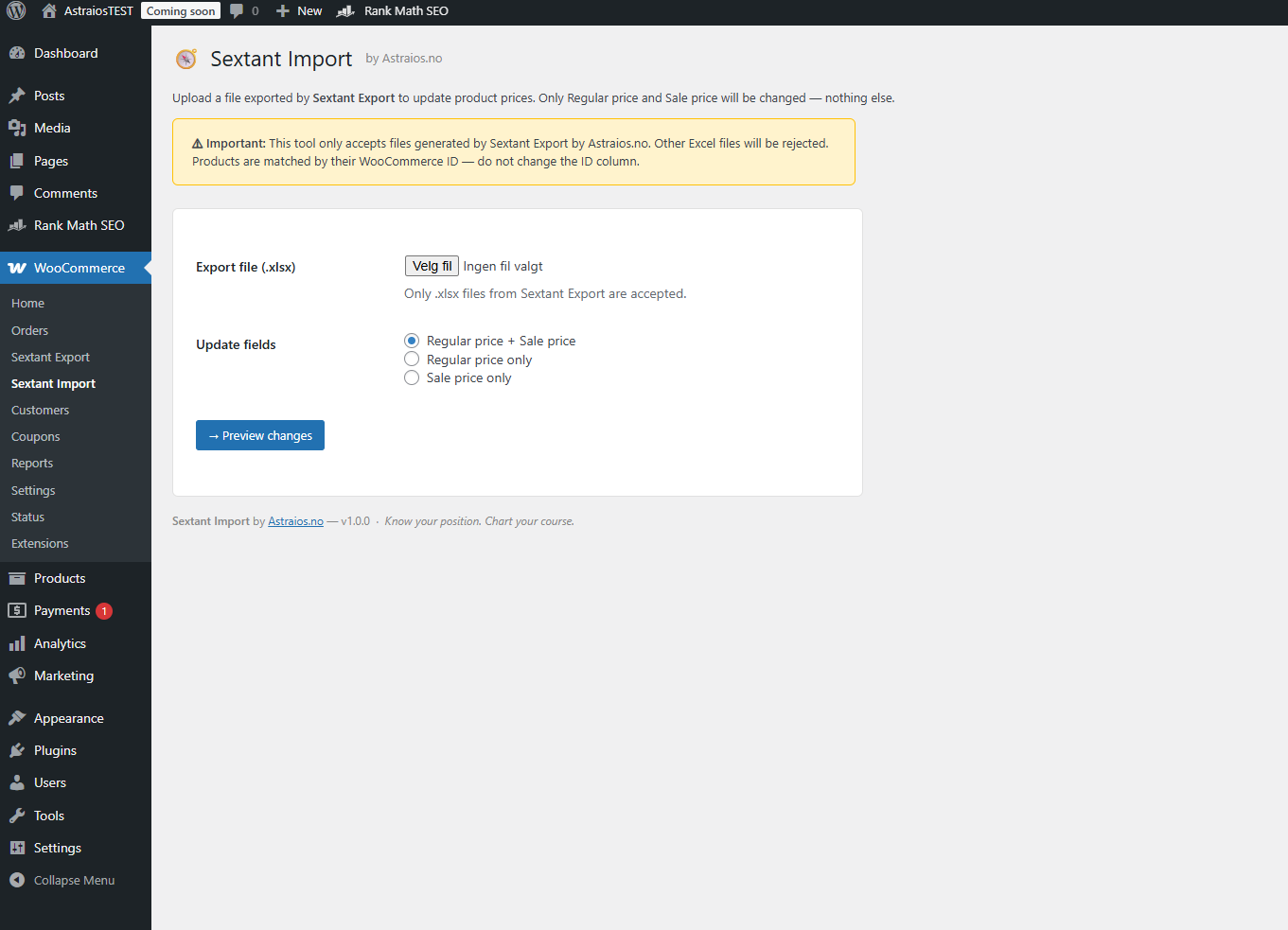
Upload your Sextant Export .xlsx file. No mapping, no configuration — the file format is already understood.
2
Preview
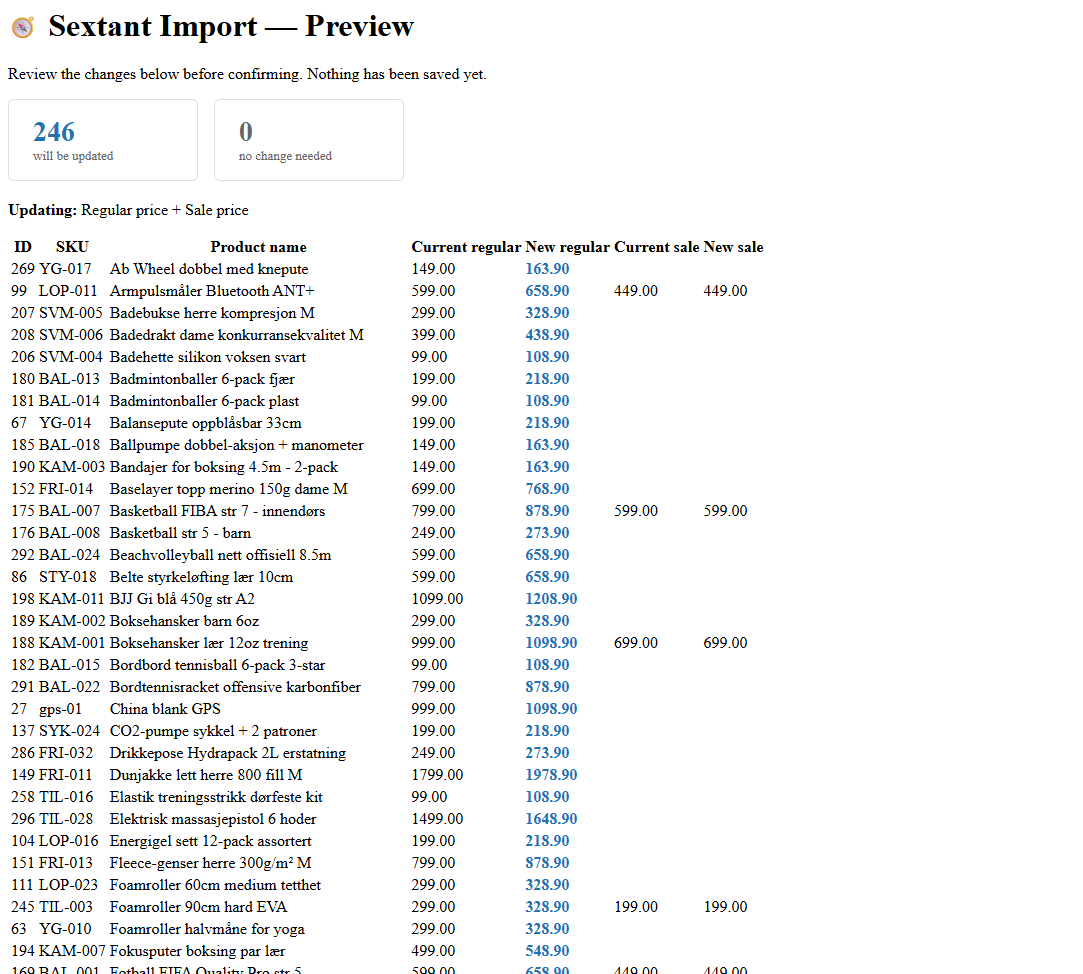
See every price change before anything is written. Old price vs. new price, product by product. Nothing happens yet.
3
Confirm
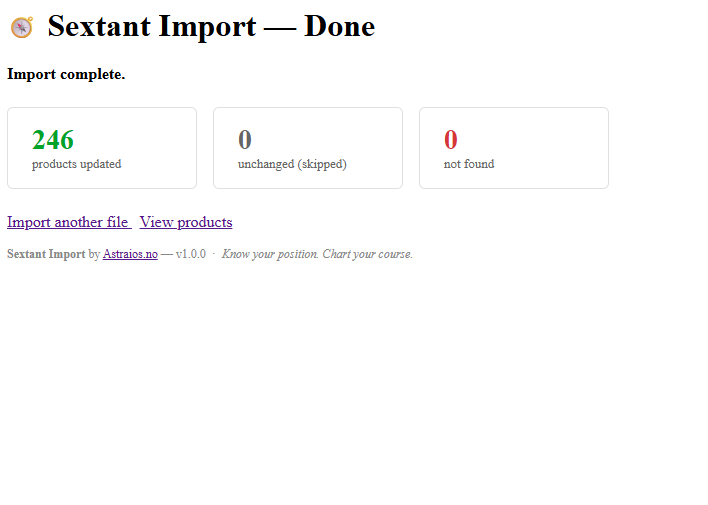
Approve and save. WooCommerce updates only the products in your file. A summary shows updated, skipped, and not found.
Step 1 — Upload
Step 2 — Preview changes
Step 3 — Result
Scope
Only prices. Nothing else.
What Sextant Import updates
- Regular price
- Sale price
- Matched by WooCommerce product ID
- Floating point price protection via wc_format_decimal()
- Skips products not found in your store
What it never touches (unless you do it )
- Product names or descriptions
- Stock levels or status
- Images or categories
- Product type or variants structure
- Any field not in the file
Three-layer safety system
Every Sextant plugin includes the same protection architecture. If something fails, the plugin disengages cleanly — your store never goes down because of us.
Activation check — PHP 8.0+, WooCommerce 5.0+, ZipArchive. Self-deactivates if requirements not met.
Runtime check — verifies WooCommerce is still active on every page load.
Execution wrap — try/catch on all operations. Self-deactivates and reports on unexpected failure.
Free to download.
Ready in minutes.
No account. No email gate. No conditions. Install and import.